TramaMaterials for imagining and making
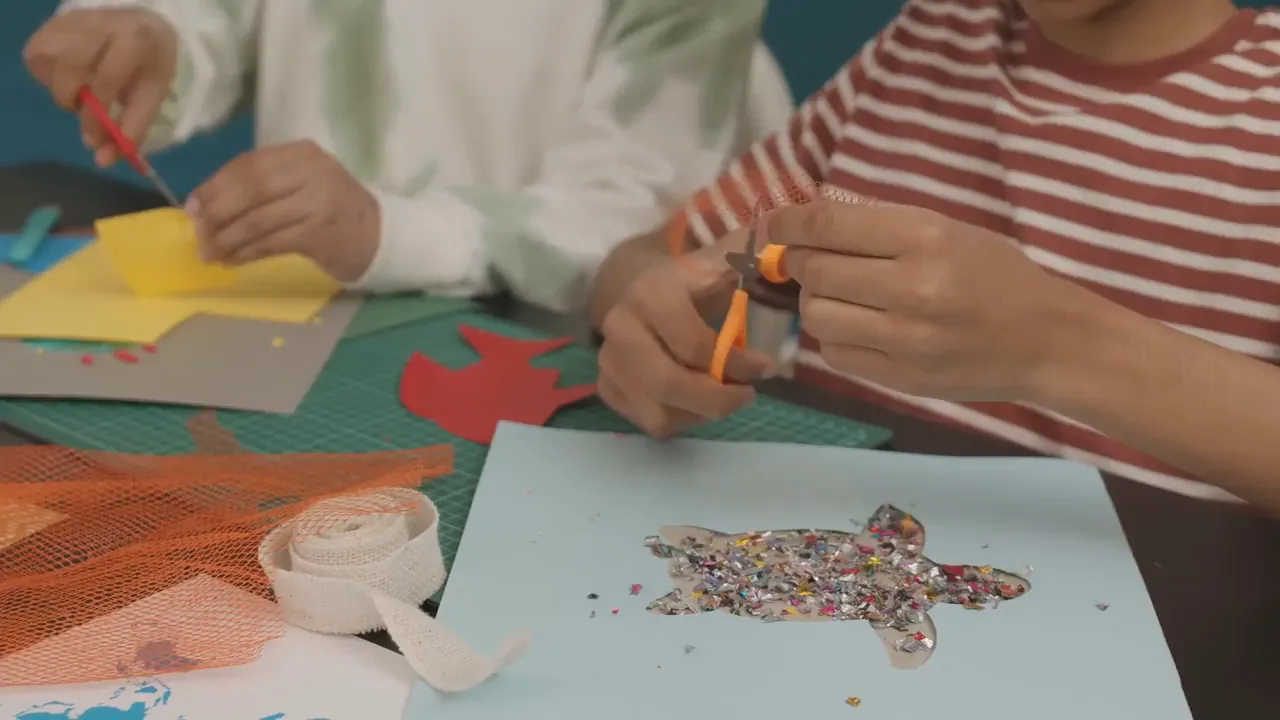
Your next idea starts with a sheet of paper.
Explore materials- 01Paper and craft blanks
- 02Creative tools
- 03Decorative materials
01
Concept designCraft stores · Latin America


Create projects with materials that inspire
From an idea to a materials list
Someone planning a scrapbook, model or decoration needs more than an attractive product photo. They want to know whether the paper is the right weight, how large the base is and which tool will work with it.
A clear website lets shoppers browse by technique, compare colours and sizes, and discover materials that work together. An idea inspired by a photo can become a practical selection of supplies, ready for an enquiry or purchase.
Every project starts with the right materials.
01 /Give inspiration a clear structure
Organise materials by technique, make product options clear and bring together collections for specific projects. Help shoppers move from “I'd love to make that” to knowing exactly which supplies they need.
Your next idea starts with a sheet of paper.
Explore materialsGroup papers, bases and adhesives by their use in scrapbooking, collage or decoration. Help shoppers find suitable supplies without browsing your entire catalogue.
Describe paper weights, dimensions, finishes and available colours. Explain which materials each tool works with so shoppers can choose the right option without relying on a photograph alone.
Bring together coordinated materials for cards, scrapbooks or celebrations. Show what each selection includes and which additional supplies a customer may need to complete their idea.
A design example with a concept brand. Its controls are illustrative; your website features depend on what you configure.
Create my store website02 /From your catalogue to your own website
Create a first website, review how your materials appear and personalise each section before sharing it with your customers.
Describe your store, the techniques you cater to and the materials you sell. AI generates a first website for you to review and adapt to your catalogue.
Edit text, images and colours with the visual editor or voice instructions. Add your products and review sizes, options and ways for customers to get in touch.
Get your website ready to publish with technology that assists SEO. Use clear descriptions of materials and techniques to explain what visitors can find in your store.
You choose which products to show and when your website is ready to publish.
Start for freeInstitutions. Media. Experiences.
Explore the partnerships, interviews and experiences behind the Digitalization Plan across Spanish-speaking Latin America.
InternationalInstitutions
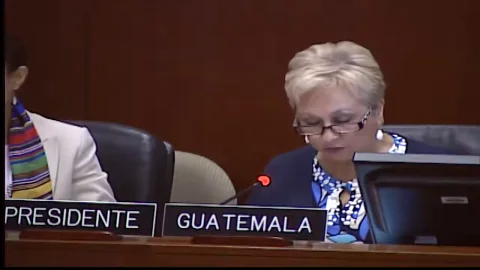
An address from Washington, D.C.
From 01:12:00

Costa RicaMedia
Teletica · Qué buena tarde
ColombiaInstitutions
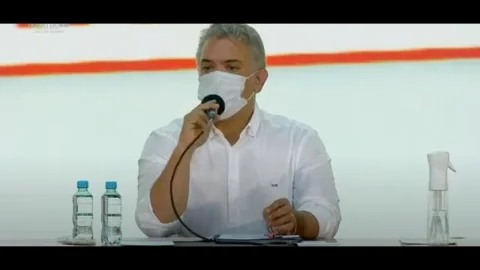
Ministry of ICT · Introducing the plan

GuatemalaMedia
Guatevisión · Digitalization Plan
ChileInstitutions
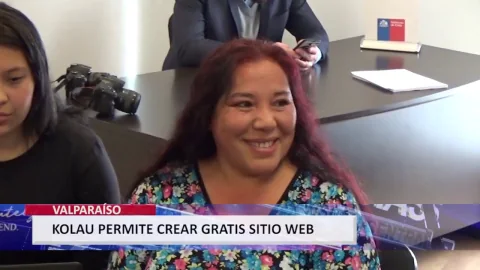
Launching the OAS–Kolau Digitalization Plan
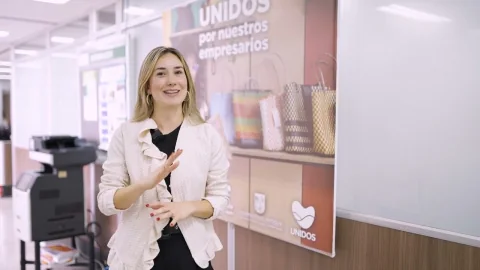
Colombia · AntioquiaResults
The program’s experience and results
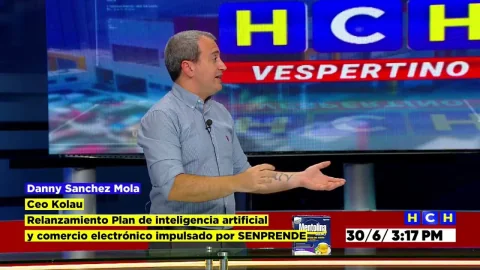
HondurasMedia
HCH · Noticiero Vespertino
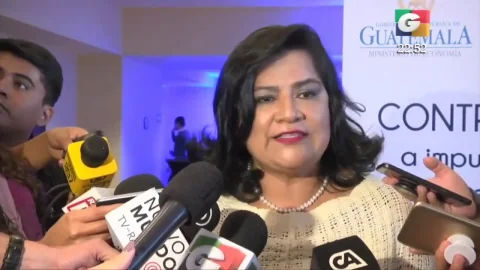
GuatemalaInstitutions
Launching the OAS–Kolau Digitalization Plan
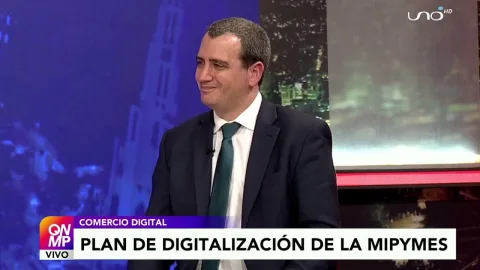
Bolivia · El AltoMedia
Red Uno · Que No Me Pierda
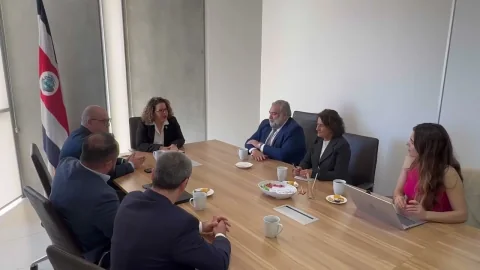
Costa RicaInstitutions
MEIC and the Embassy of Spain · Launching the plan

Mexico · SonoraMedia
Government of Sonora · Telemax TV
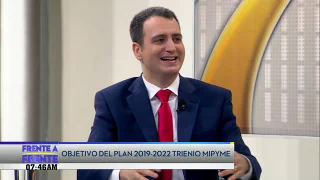
El SalvadorMedia
Government of El Salvador · Frente a Frente
Your idea could be next.
Start for freeYou can edit product pages with images and descriptions of colours, dimensions, paper weights and finishes. Organise each product's information so shoppers can check which option they need before placing an order.
Yes. You can create a website to showcase materials and receive enquiries, and configure products and an online store to sell. You decide which items to offer and how to explain your purchase terms.
Yes. You can present kits as products and create sections for coordinated collections. Describe their contents, quantities and suggested uses so shoppers understand what each selection includes before they buy.
You can update text, images and products in the editor, including through voice instructions. Adapt collections for celebrations or new projects, and review the availability information you display before publishing your changes.
03 /Institutional partnerships
We work with the Organization of American States and Latin American governments to bring digitalization to small businesses. Here are some of our partnerships.
Explore the Digitalization Plangovernment entities joined the Digitalization Plan
























Born on the Koʻolau mountain.

Created with love.

Developed with love.
Your own website to showcase materials, help shoppers choose and introduce your store to new customers.